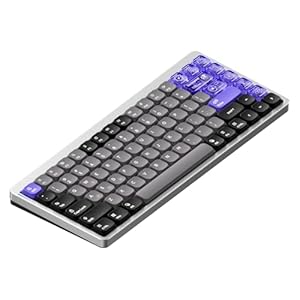
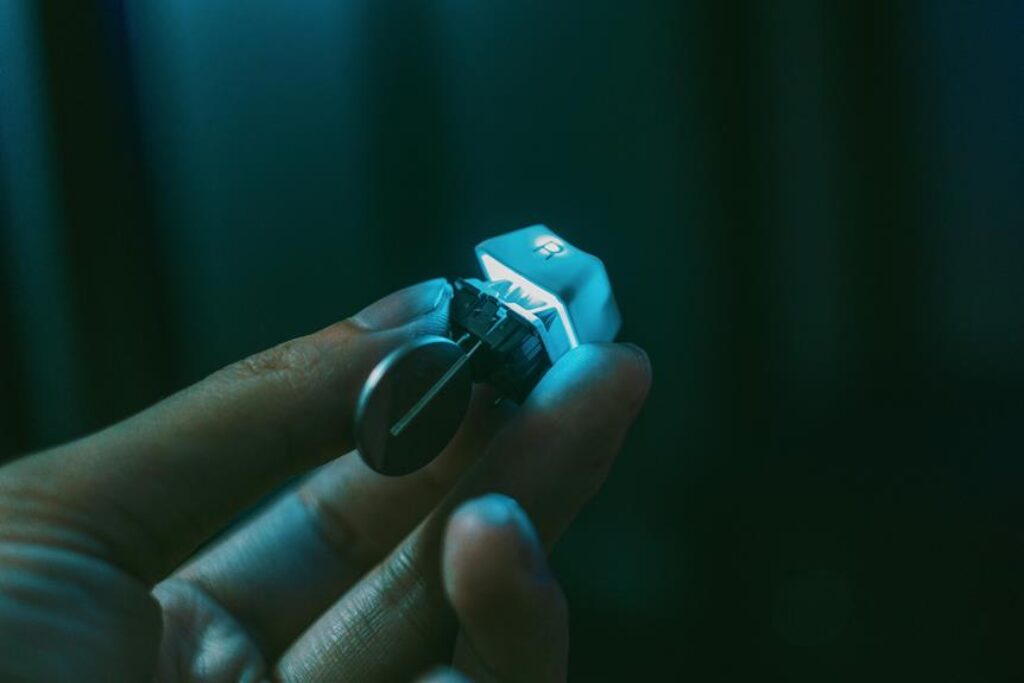
When considering which key switch is best for typing and gaming, your decision is crucial. Different switches offer varying levels of tactile feedback, actuation force, and noise, catering to individual preferences. Whether you prioritize a silent workspace or lightning-fast gaming responses, the right switch can make all the difference. So, before you make your choice, it’s essential to weigh the pros and cons of each key switch type carefully.
Mechanical Vs. Membrane Key Switches
When choosing between mechanical and membrane key switches, you’ll want to consider factors like typing experience and durability. Mechanical key switches are known for their tactile feedback and audible click, providing a satisfying typing experience that many users prefer. The distinct feel of each keypress can enhance your typing speed and accuracy, especially if you type for extended periods. Additionally, mechanical switches are generally more durable than membrane switches, lasting up to tens of millions of keystrokes before showing signs of wear.
On the other hand, membrane key switches offer a quieter typing experience and can be more budget-friendly. They’re often found in slim keyboards and laptops, providing a softer and smoother keystroke. While they may not offer the same tactile feedback as mechanical switches, membrane keyboards are still suitable for everyday use and casual gaming. Consider your typing preferences and usage patterns to determine whether a mechanical or membrane key switch better suits your needs.
Comparison of Popular Key Switch Types
Considering the typing experience and durability discussed in the previous subtopic, it’s important to now compare popular key switch types to determine the best choice for your needs.
Cherry MX switches are widely recognized for their quality and are available in various options such as Red, Blue, Brown, and Black, each catering to different preferences. Cherry MX Red switches are linear and silent, ideal for gaming due to their smooth keystrokes. On the other hand, Cherry MX Blue switches are tactile and clicky, providing audible feedback that some typists prefer.
Razer switches, another popular choice, offer options like the Razer Green and Razer Yellow. Razer Green switches are tactile and clicky, similar to Cherry MX Blues, while Razer Yellow switches are linear and silent, akin to Cherry MX Reds.
Gateron switches have gained popularity for being smoother than Cherry MX switches, with options like Gateron Red and Gateron Brown providing alternatives to the Cherry MX counterparts.
Ultimately, the best key switch type for you’ll depend on your typing and gaming preferences.
Best Key Switches for Typing
For an optimal typing experience, choosing the right key switch is crucial. When it comes to typing, tactile and responsive switches are preferred. Cherry MX Brown switches are a popular choice for typists as they offer a tactile bump without the audible click, providing a satisfying typing experience without disturbing others.
If you prefer a quieter option, Cherry MX Silent Red switches are known for their soft and quiet keystrokes, making them ideal for office environments or late-night typing sessions. For those who enjoy a more pronounced tactile feedback, Topre switches are highly regarded for their smooth keypress and ergonomic design, reducing typing fatigue over long periods.
Another excellent option for typing enthusiasts is the Matias Quiet Click switches, which offer a tactile feel similar to the classic Alps switches, providing a comfortable and quiet typing experience. Overall, the best key switches for typing are those that offer a balance between tactile feedback, smooth keypress, and minimal noise to enhance your typing efficiency and comfort.
Best Key Switches for Gaming
The ideal key switches for gaming should provide a responsive and tactile feedback to enhance your gaming performance. When it comes to gaming, speed and precision are paramount. Opt for mechanical switches like Cherry MX Red or Cherry MX Speed Silver for a light touch and quick actuation, perfect for rapid key presses in intense gaming situations. These switches offer a smooth linear feel without tactile feedback, ideal for gaming where double-tapping keys or executing combos swiftly is essential.
If you prefer a more pronounced tactile bump and audible feedback, consider switches like Cherry MX Blue or Razer Green. These switches provide a satisfying click sound and tactile bump, ensuring you know exactly when a key press is registered during gaming sessions. The tactile feedback can also help prevent accidental keystrokes, giving you more control over your movements in-game. Ultimately, the best key switch for gaming depends on your preference for feedback, actuation force, and typing style. Experiment with different switches to find the one that enhances your gaming experience the most.
Trending Products